Files have history.
Working Sets follow them wherever they move.
Local and remote storage feel like one filesystem.
Your workspace adapts to how you work.
Every move, rename, star, and restore is logged — and that memory surfaces everywhere. A per-file activity timeline in the Details panel. A disk-wide Timeline module. And ghost trails: faint, dashed markers left behind in a folder showing where a file that just left actually went. Click one and Geyma takes you straight there.
No more “it was right here yesterday.” It was — and Geyma will show you where it went.
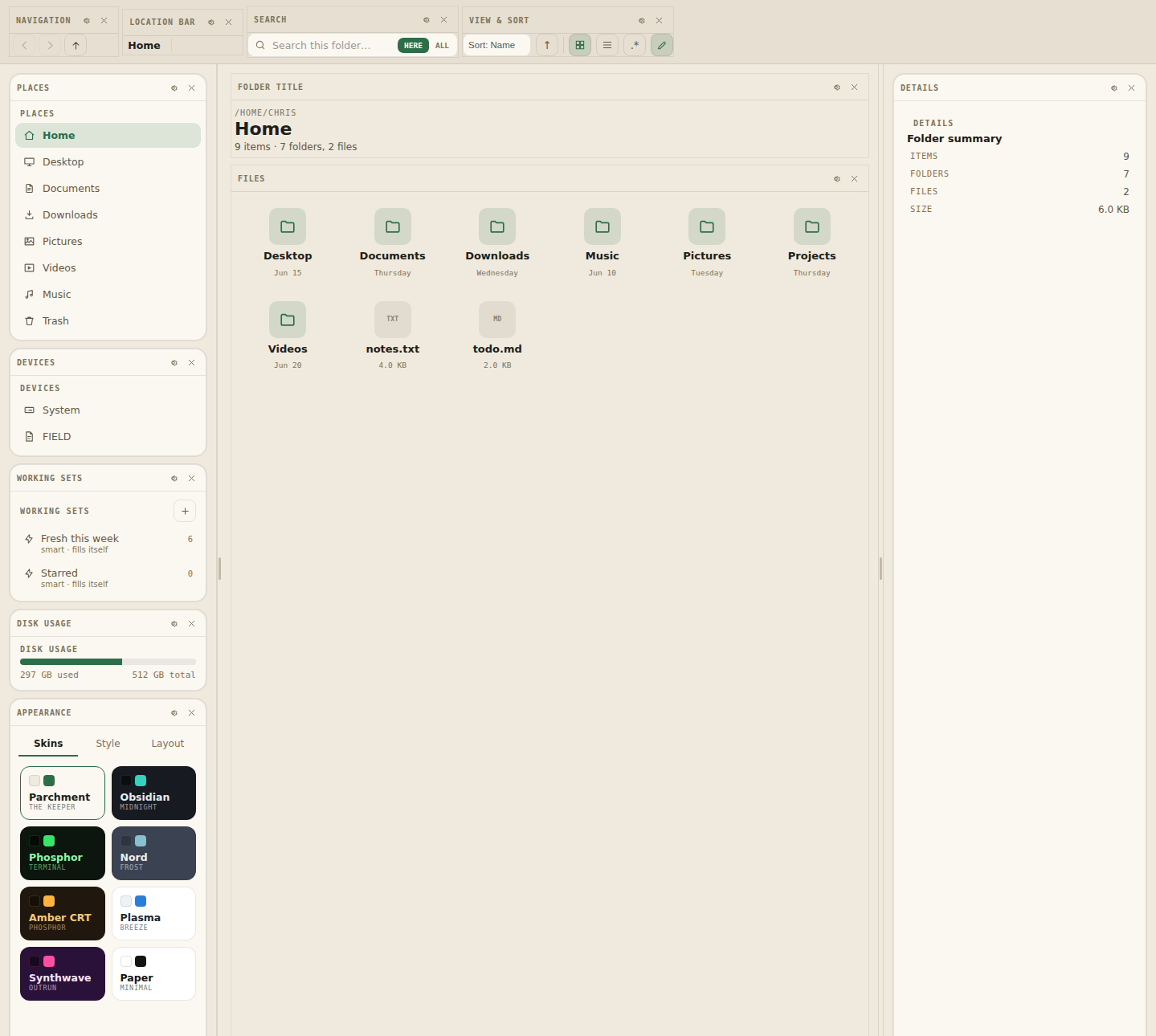
A Working Set is a playlist-like collection of file references — never copies. Files stay exactly where they live on disk; the set just follows them through moves, renames, trashing, and restoring. Attach a note, or make a set smart — a rule like starred, kind: image, or modified since… that fills itself live from the whole disk.
Share any set with anyone as a single GYSET. code. Items, rule, note — the whole thing round-trips.
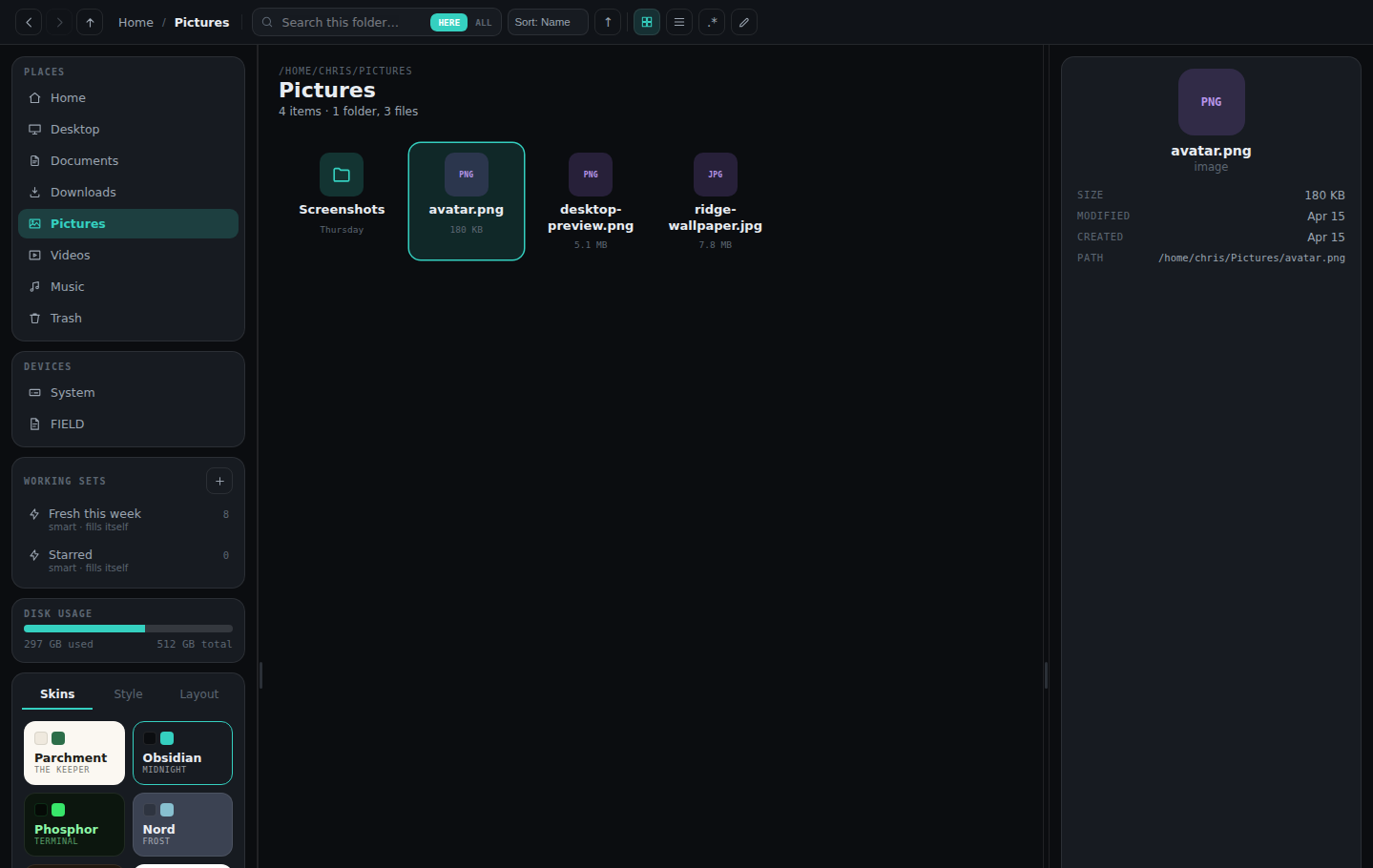
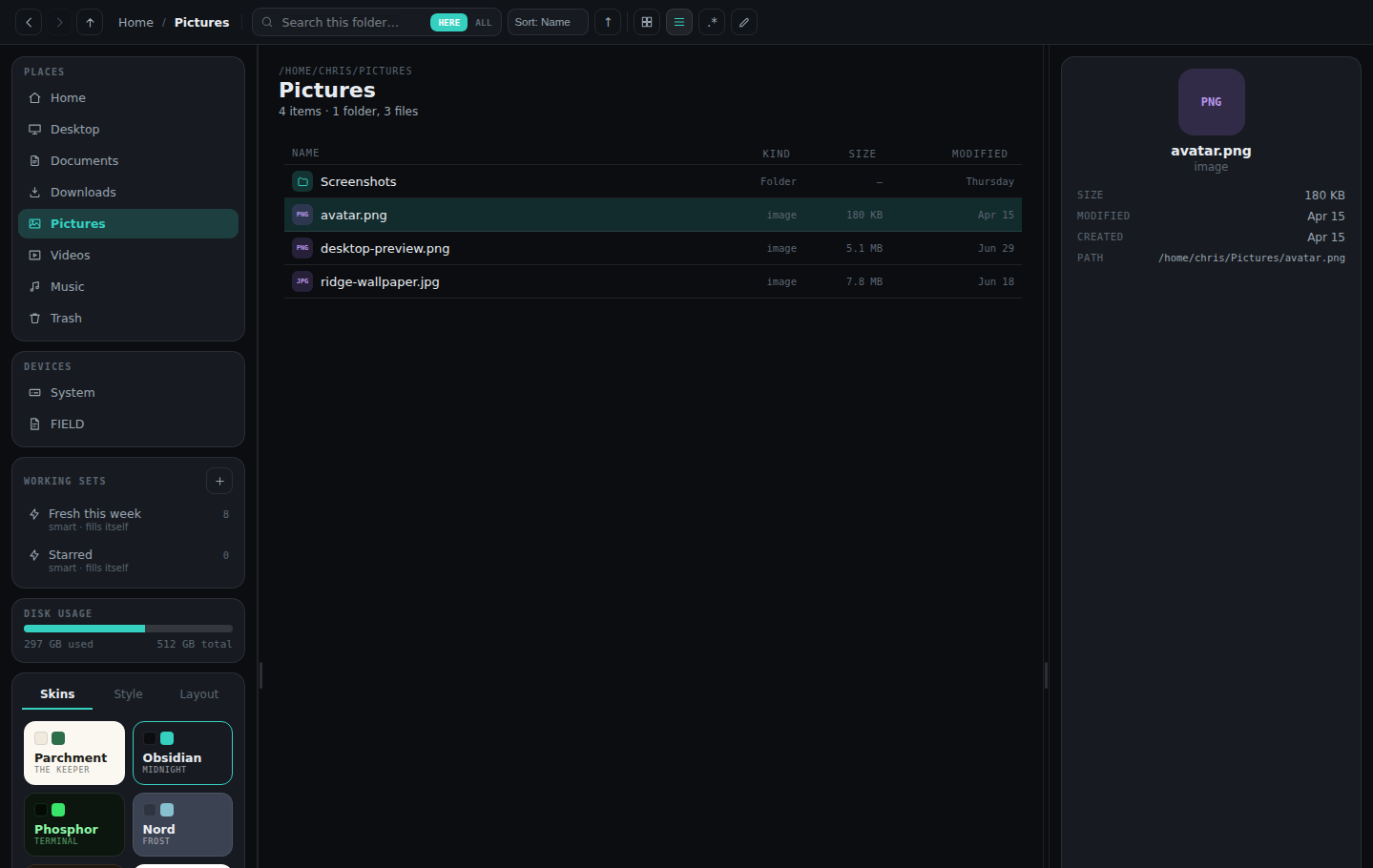
There is no fixed layout. Every piece of UI — nav, search, sidebar panels, even the file grid itself — is a module you can drag between six layout zones, hide, or bring back. Eight full color skins, each overridable token by token: accent, font, radius, density, glow, background pattern.
sftp:// and smb:// paths flow through the exact same tabs, history — even working sets — as local ones. Discover nearby SMB devices, browse a NAS like it's Home, drag files between local and remote panes. Passwords live only in the OS keyring, strictly opt-in.
Entirely optional, entirely local, via Ollama — no cloud calls, no API keys. Natural-language search (“starred photos from last week” becomes real filters), batch-rename suggestions, and on-demand folder summaries. Three features, each individually toggleable — and all of them off by default.


Real file management, backed by Rust — and working-set references stay correct across every one of these operations.
| OTHER FILE MANAGERS | GEYMA |
|---|---|
| Files | Files + their history |
| Folders | Working Sets that follow files |
| Fixed layouts | Modular chrome — drag every panel |
| Local disks | Local + SFTP + SMB, one path space |
| Cloud AI | Optional, fully local AI |
A mock in-memory filesystem kicks in automatically outside the Tauri shell, so the full UI runs in a plain browser with no Rust toolchain. The real thing is a Tauri 2 desktop app — filesystem operations are Rust commands with unit test coverage.
# grab it
git clone https://github.com/MadsenDev/geyma-file-manager
cd geyma-file-manager && npm install
# browser demo — mock fs, no Rust needed
npm run dev
# full desktop app
npm run tauri dev